sphinx-linkfix


Render your links both in GitHub and in the built documentation seamlessly!
Sphinx extension that rewrites GitHub-style links into proper Sphinx references at build time.
Project Description
I like to have links in the README that point to other sections of the documentation,
so you can navigate the docs easily from the GitHub repo itself. However, Sphinx does not
understand GitHub-style links (e.g., `reference </docs/reference.rst>`_), so links break
when building the docs. If you write links using Sphinx syntax instead, they work in the built docs but
not on GitHub.
This extension solves this problem by rewriting GitHub-style links into proper Sphinx references during the Sphinx build process. It scans the document for links that point to local files and rewrites them to use Sphinx’s internal referencing system.
Key Features
Transform GitHub-style links: Automatically rewrite links in the documentation to use Sphinx’s internal referencing system.
Ignores external links: Only processes local file links, leaving external URLs untouched.
Configurable prefixes: Specify path prefixes to strip from links for cleaner references.
Support for multiple file extensions: Configure which file extensions to process (e.g.,
.rst,.md).Easy integration: Simple setup and configuration in
conf.py.
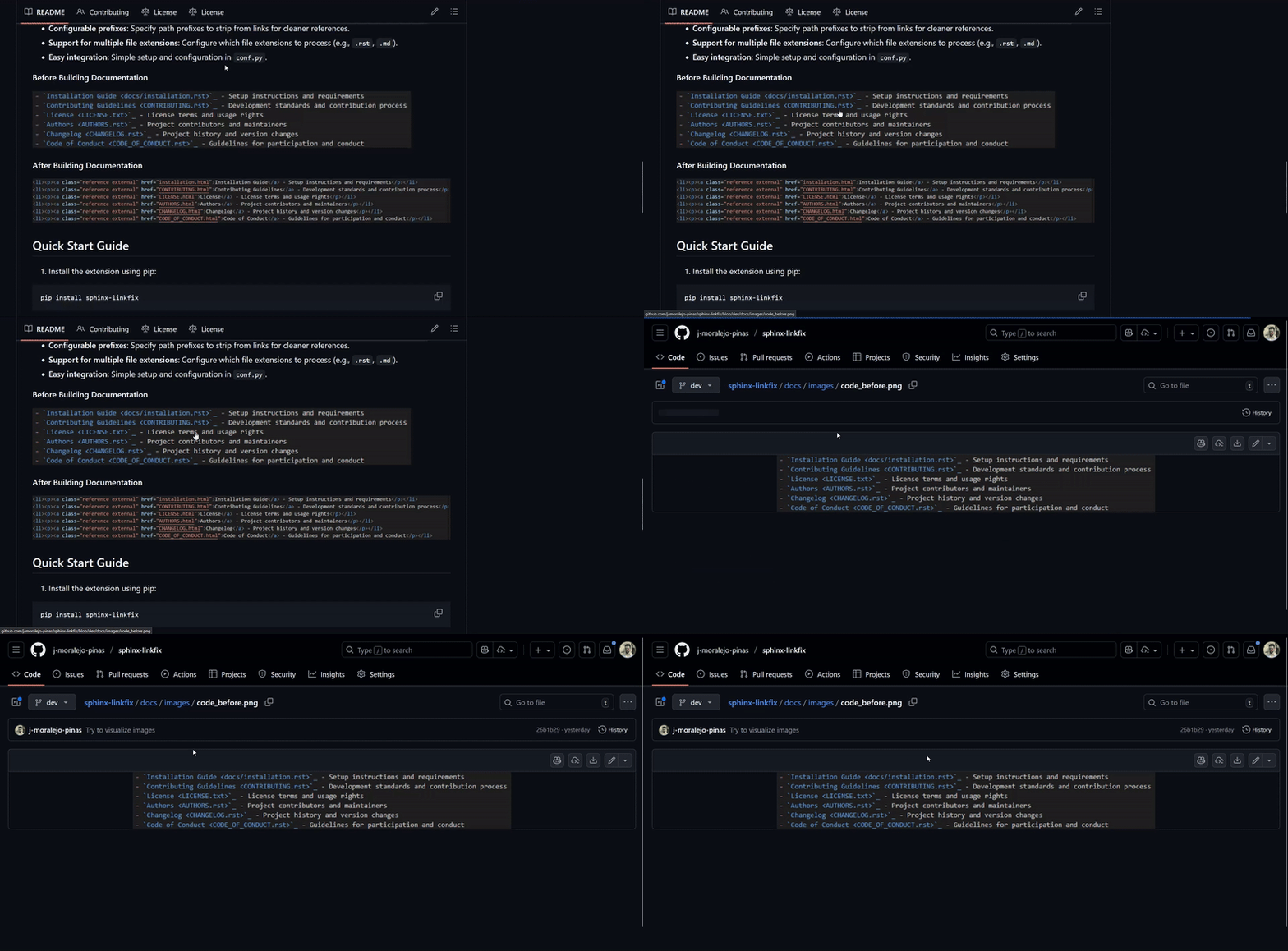
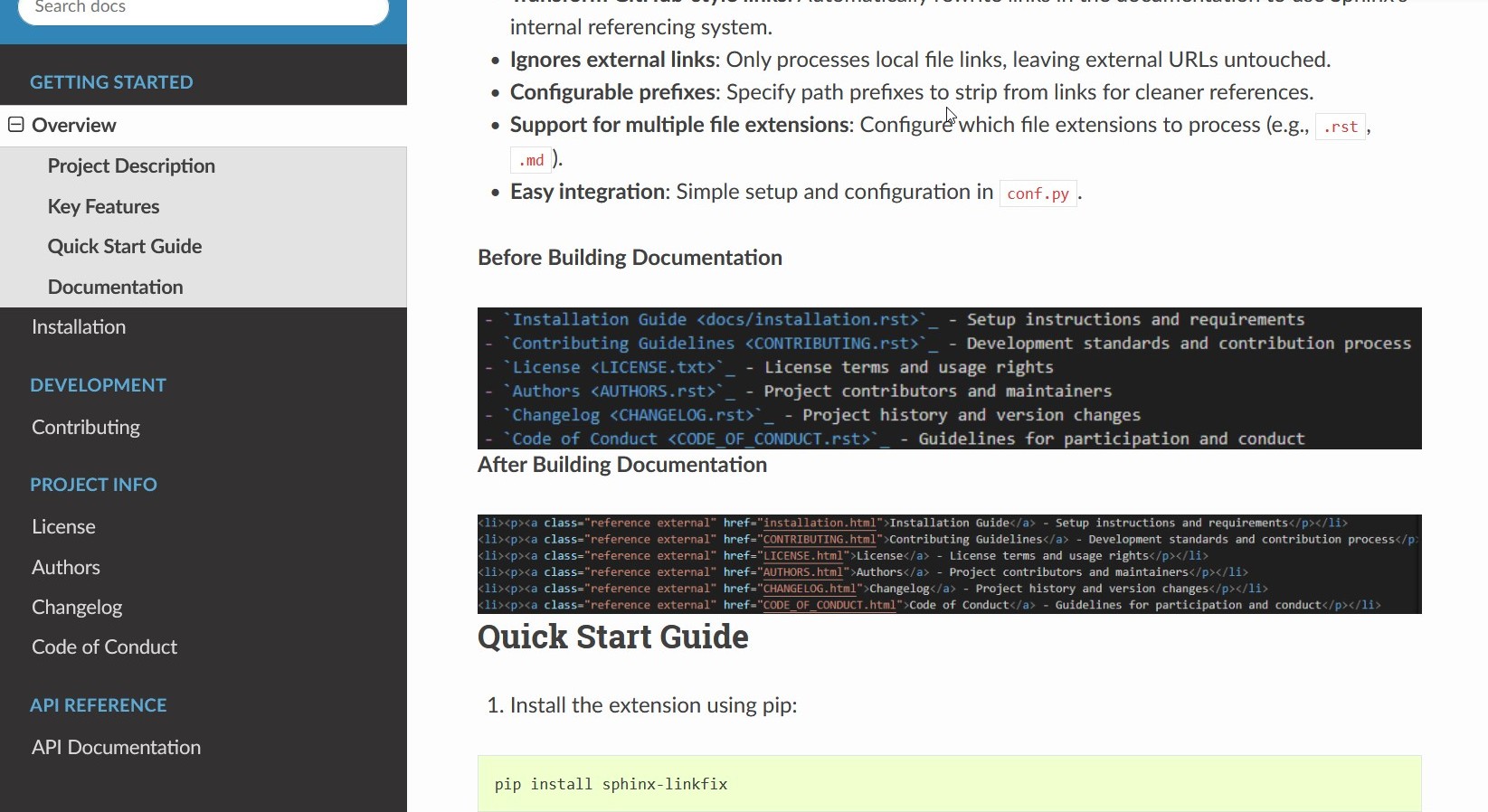
Before Building Documentation

After Building Documentation

Links working both on GitHub and Sphinx
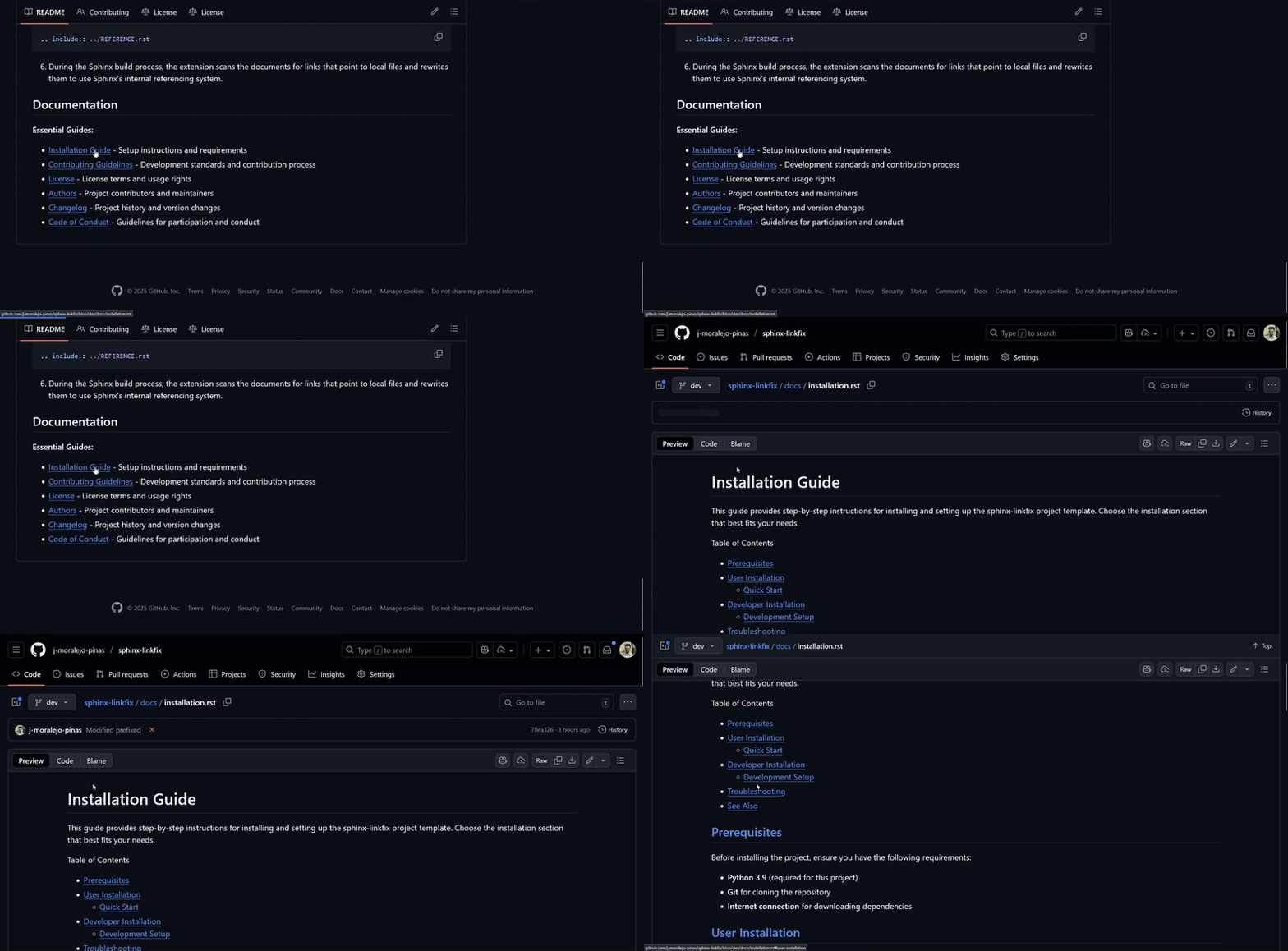
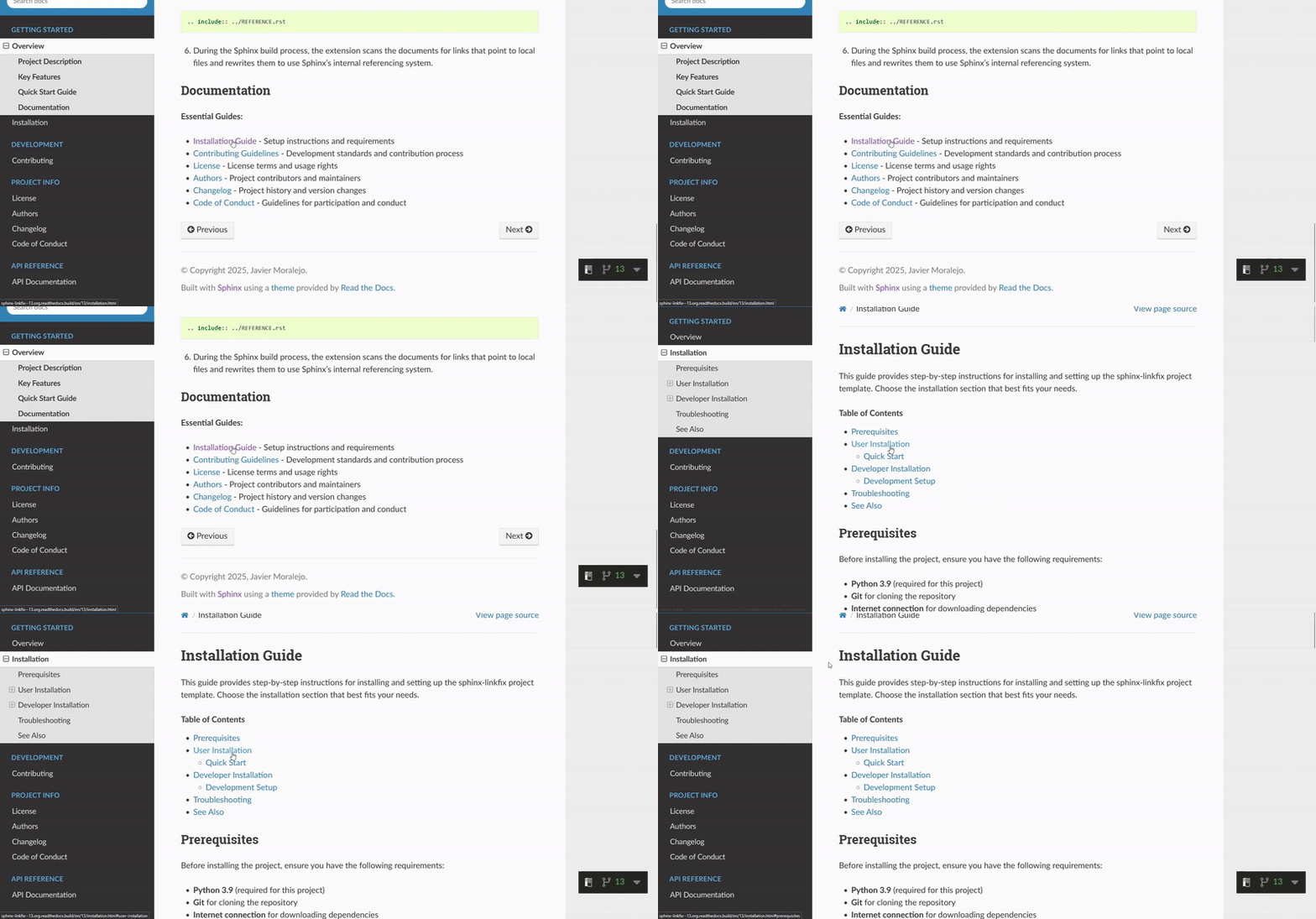
Images working both on GitHub and Sphinx
Quick Start Guide
Install the extension using pip:
pip install sphinx-linkfix
Add the extension to your Sphinx
conf.pyfile:
extensions = [
    ...,
    'sphinx_linkfix',
]
(Optional) Configure the extension in
conf.py:
# List of path prefixes to strip from links
# If the file you are referencing lives in the docs/ directory of your project,
# when the link is processed it should point to the root of the docs/ directory,
# thus, we strip the 'docs/' prefix from the link.
# E.g., `Reference </docs/REFERENCE.rst>`_ becomes href="REFERENCE.html"
docs_relative_path = 'docs/'

# List of file extensions to process
sphinx_linkfix_file_extensions = ('.rst', '.md')
Write absolute links in your documentation using GitHub-style syntax, e.g.,
`Reference </REFERENCE.rst>`_. (You can use the repositoryREADME.rstas an example)If the referenced files live in the root directory of the project, make sure to include a file with the same name in the docs folder, referencing the original file. E.g.,
/docs/REFERENCE.rstwith:
.. include:: ../REFERENCE.rst
During the Sphinx build process, the extension scans the documents for links that point to local files and rewrites them to use Sphinx’s internal referencing system.
Documentation
Essential Guides:
Installation Guide - Setup instructions and requirements
Contributing Guidelines - Development standards and contribution process
License - License terms and usage rights
Authors - Project contributors and maintainers
Changelog - Project history and version changes
Code of Conduct - Guidelines for participation and conduct
Read The Docs - Comprehensive online documentation